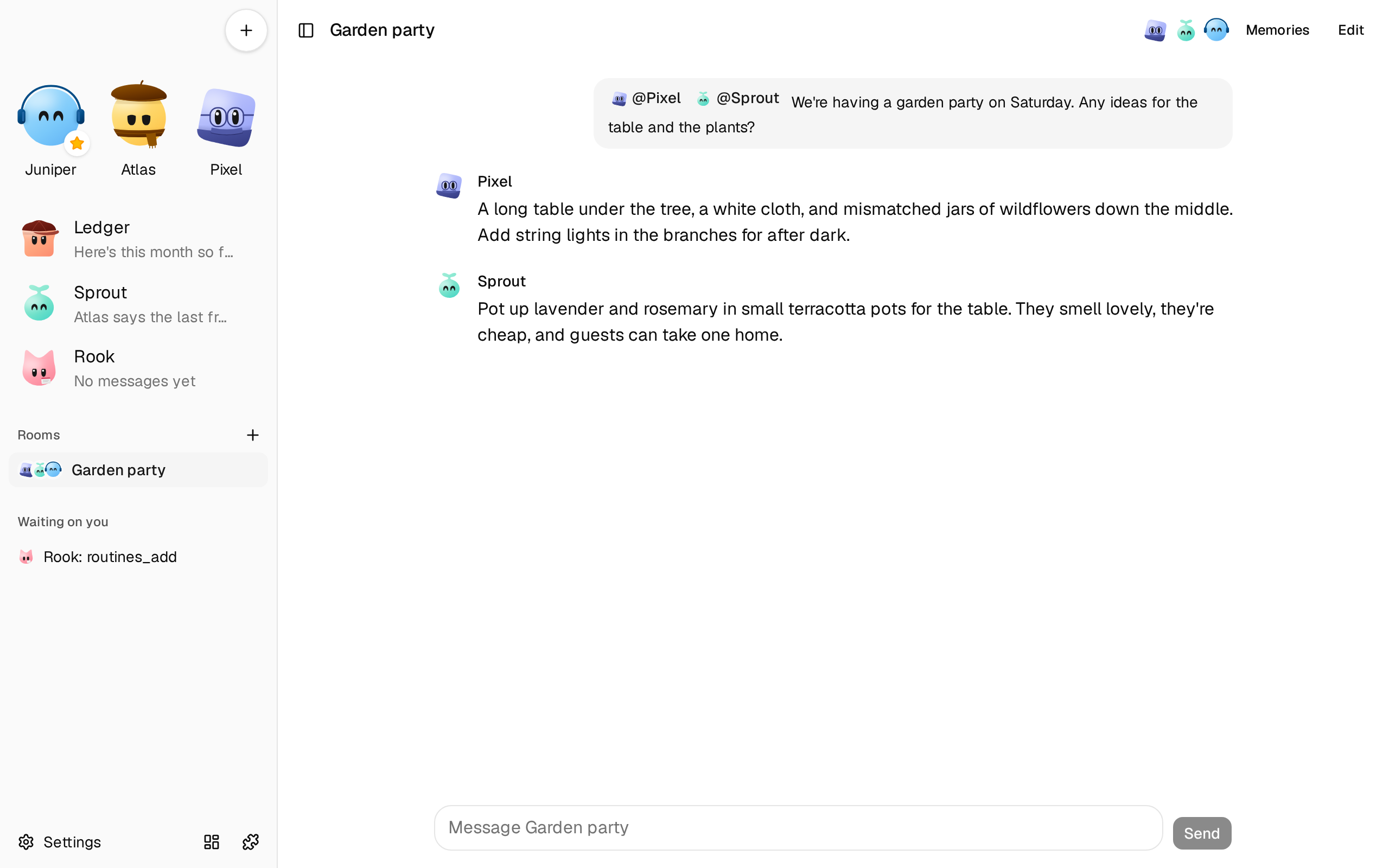
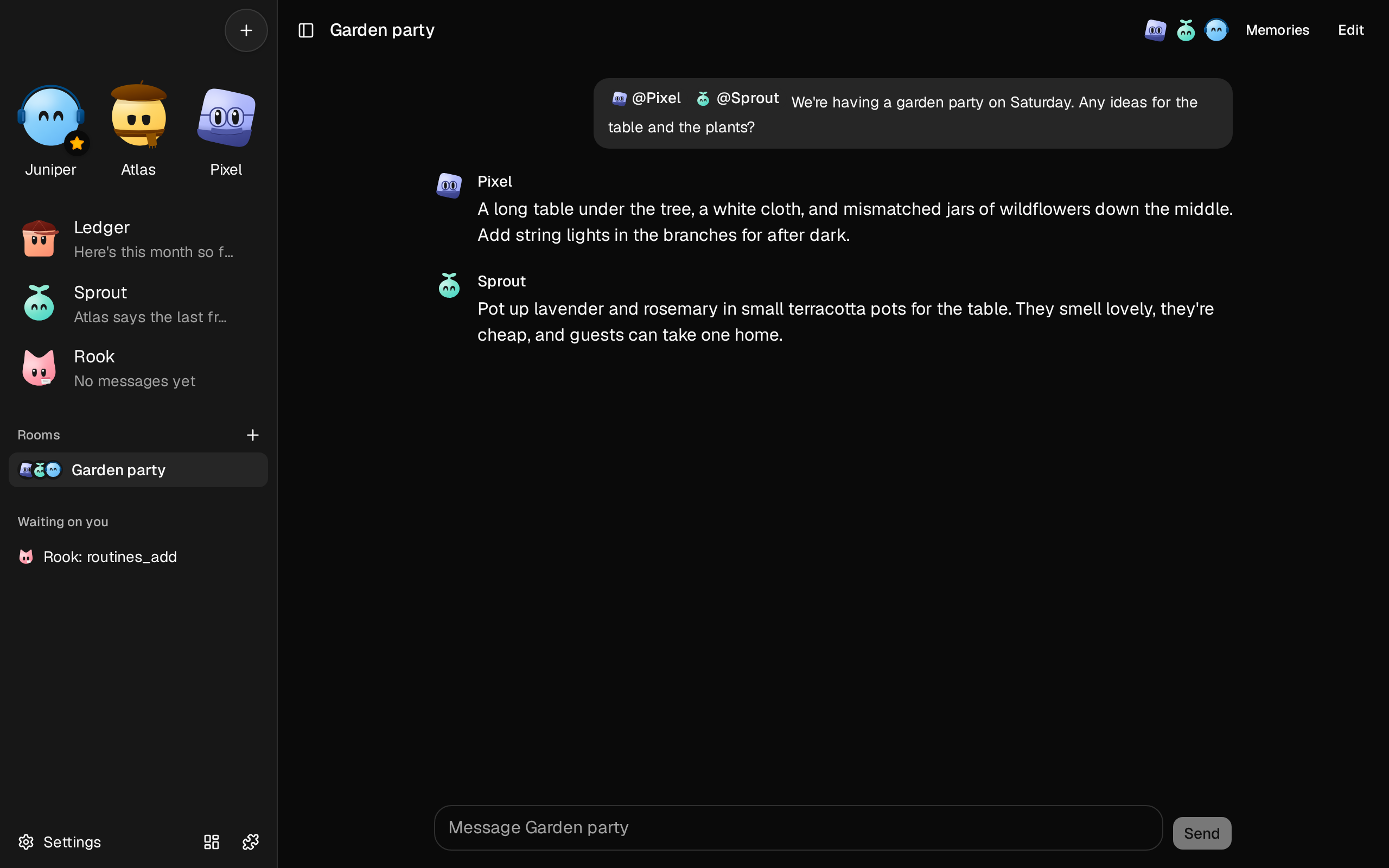
A room holds you and several of your bots. Tag a bot with @ to ask it. A bot can tag another to hand it part of the work, and that one answers next. Rooms are a plugin, chat-rooms.
- Open Plugins, choose Browse, and add chat-rooms.
- In the sidebar, choose + beside Rooms. Name the room, and pick its bots. The first bot you pick is the room’s lead.
- In the room, type
@and pick a bot from the list. It becomes a chip with the bot’s avatar. Write your message, and send it.
Who answers
Section titled “Who answers”| Your message | Who answers |
|---|---|
| Tags one or more bots | Those bots, in the order you tagged them |
| Tags Everyone | Every bot in the room, in its order |
| Tags no one | The lead, which can bring others in by tagging them. Or, with the room’s setting Everyone answers, every bot in order |
A bot that tags another in its reply hands the conversation on: that bot answers after it, and sees what was said. When a reply tags no one, the bots stop, and it’s your turn. A bot can tag at most three bots in one reply.
Each room limits the bot replies to one message of yours: 10 unless you change it. At the limit, bots stop tagging each other, and a note says they paused. The bots already asked still answer, so everyone gets to wrap up, and a round can end a reply or two past the limit. Tag a bot to go on.
While bots answer, the room shows who’s writing and who’s next. Stop ends the reply being written and drops the rest. A message you send meanwhile drops the bots waiting their turn too.
Change a room
Section titled “Change a room”Edit, at the top of a room, changes its name, its bots and their order, what a message that tags no one does, and the bot replies per message. Delete room deletes the room and what was said in it.
To move a room in the sidebar, drag it, with a mouse, or with a finger after a moment’s hold. Rooms keep the order you leave them in. Needs fxbot 0.7.0.
Only bots that chat rooms is on for can be in a room. To give it to some bots only, see Add a plugin.
Give a room memories
Section titled “Give a room memories”Each room keeps notes of its own, such as what the room is for, what was decided there, and who does what. Every bot in the room reads them there, and not in its other chats. Needs chat rooms 0.4.0.
- To see them, choose Memories at the top of the room. Each one says when it was saved, and who saved it: you, or a bot.
- To add one, write it in the box, and choose Add a memory. Edit and Delete change and remove one. The bots see a change on their next turn in the room.
- To have a bot save one, ask it to remember something for the room. A bot also saves one when the room settles something. It saves with
chat-rooms_remember, and removes one withchat-rooms_forget. Both work only in a room.
A memory is one note, of at most 1,000 characters. The newest that fit in 6,000 bytes go to each bot. Deleting a room deletes its memories, and so does removing the plugin.
For what every bot should know, in every chat, use team memories, in Settings › Memory: see Team memories.
A room can also have a computer of its own, which its bots share: see Give a room a computer.
Start a room over
Section titled “Start a room over”A room starts over from a summary, as a bot’s own chat does: each bot goes on from the summary and what’s said after it, not the whole room again. Needs chat rooms 0.5.0.
- To start it over, begin a message with
/fresh, then what you want next, such as/fresh let's plan the second week. Typing/at the start of the message box lists it. The room stops what its bots are doing, says Starting the room over…, and a summary aimed at what you wrote keeps what bears on it. Then Started over shows, your message follows, and the bots answer it from the summary./freshalone starts the room over and waits for your next message. - While you’re away, a long room that sits idle is compacted, by the same setting as a bot’s own chat: Settings › General › Idle compaction, and Summarize with for the model. It shows Compacted while idle. See Idle compaction.
The room’s lead, its first bot, writes the summary, unless Summarize with names a model. Each card opens to its summary. The earlier messages stay above it, and the bots still find them with chat_history. If the summary can’t be written, the room says so, and goes on as it was.
What a bot knows in a room
Section titled “What a bot knows in a room”Each bot answers in a chat of its own for the room, which stays out of its own chat. Its chat_history tool still finds what was said in a room. Each turn, it’s sent:
- who it is, and who else is in the room
- its own memories, the team’s, and the room’s, in that order
- what was said since its last turn, with the other bots’ words quoted as theirs
- who woke it, and how many replies are left
- after the room starts over, its summary, which a model wrote from what everyone said there
Its first turn in a room carries the plugin’s chat-room skill: when to answer, when to stay quiet, and how to tag. It can also read:
room-handoff, on handing work to another botroom-lead, for the lead
A bot’s tools work in a room as in its own chat.
When it goes differently
Section titled “When it goes differently”- A bot didn’t answer. It may have had nothing to add: a bot can stay quiet. If a note says the bot has chat rooms off, switch it on for that bot in Settings › Chat rooms.
- The bots stopped tagging each other. The room reached its replies per message. Tag a bot to go on, or raise the limit in Edit.
- Stop let the reply finish. fxbot older than 0.4.1 can’t cancel a reply that’s being written, so Stop only drops the bots waiting.