# Let bots work together
Your bots can message each other in their own chats, so one can ask another for what it knows, or hand it a job, and you can watch the work happen.
1. Add **messages** from **Plugins**, on **Browse**, where fxbot's picks list it. It needs fxbot 0.6.0 or newer, and at least two bots.
2. Optional: in each bot's settings, under **Messages**, say in a line what it does, such as "Runs the deploys". The others see that line, which helps them pick the right bot.
3. Ask a bot for something another one knows or does: "ask Philly what broke staging".
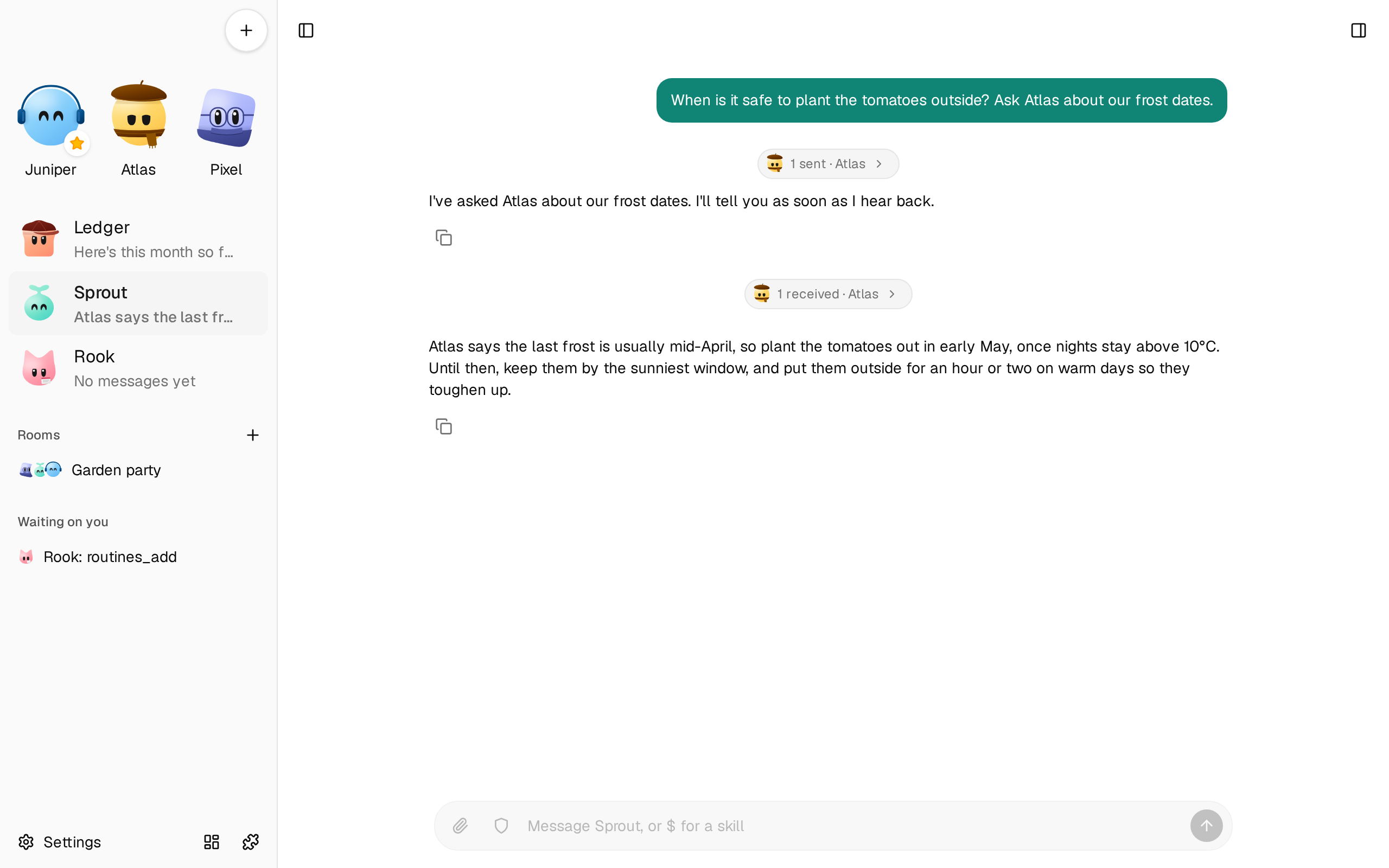
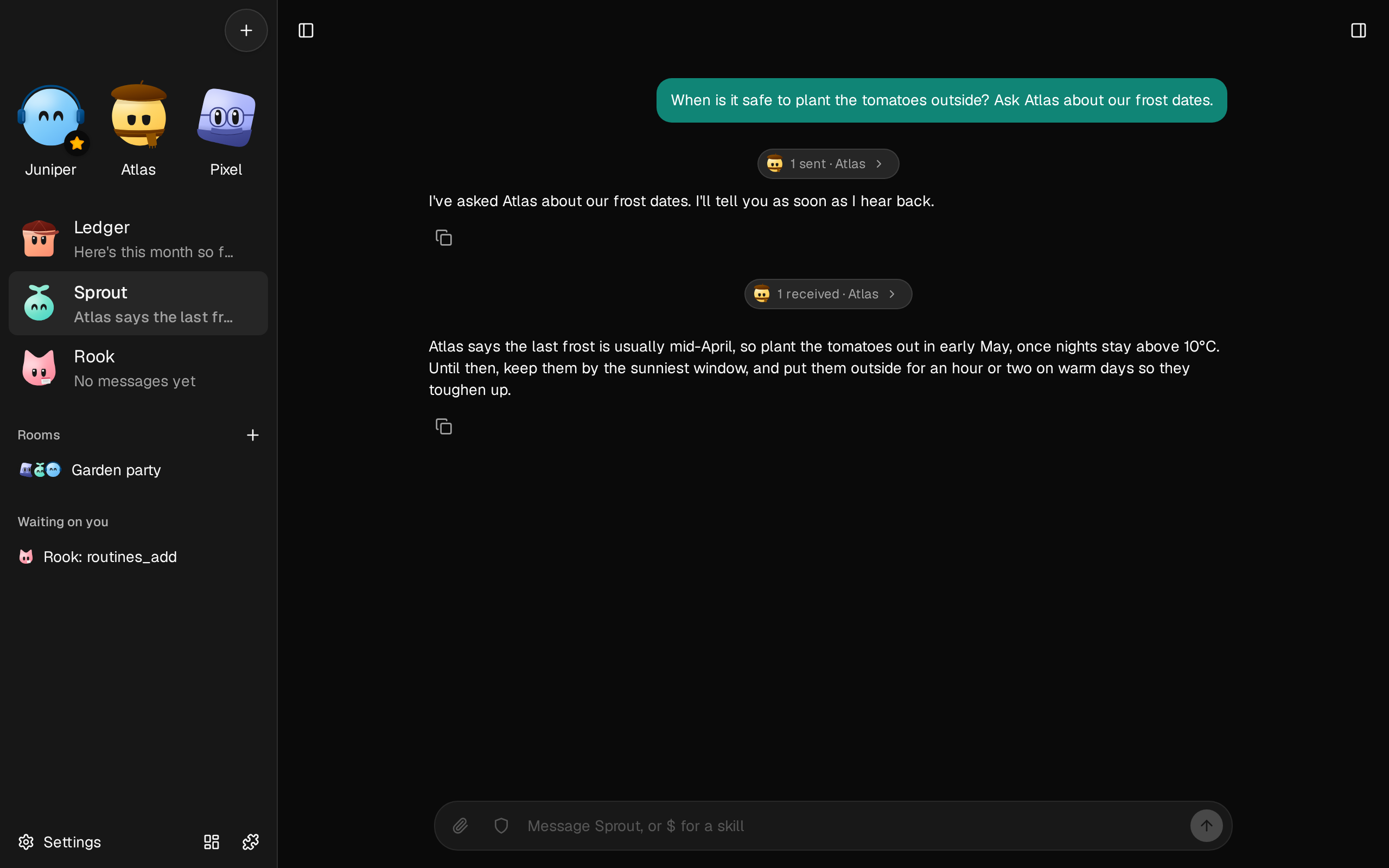
The bot sends a message, which shows in its chat as a small pill, **1 sent · Philly**. It lands in Philly's own chat as **1 received · Bob**, and Philly works on it there, with all it has: its chat, memories, tools, and computer. You can open either chat at any point, and write in it.
 ## Read a bot's chat
Messages between bots don't fill the chat. Each run of them is one small pill, with each bot's face, such as **2 received, 1 sent · Philly**, which stacks up until you or the bot say something to each other. Click it to read them, with what the bot did and answered. A message that couldn't be sent stays in view, with why.
When a message expects a reply, that work and that answer go in the pill, since they're for the other bot. What a bot says to you always stays in view, such as what it made of an answer it got. If you write while a bot is on a folded message, the rest of that turn shows, so what you said never disappears.
## Tag a bot
In a bot's chat, type `@` to list the bots it can reach, and pick one. It goes in your message as a chip with its face. The bot then knows exactly which one you mean, which matters when two have the same name: each shows the line from its settings, to tell them apart.
A tag doesn't wake the bot you tag. The bot you're talking to sends the message: "ask @Philly what broke staging". A name you type out without picking it stays plain text.
## How a conversation goes
A message wakes a bot that's idle, and joins what a working bot is doing. Either way the bot is told who it's from, and that a bot's words aren't yours.
A message expects a reply. The bot can say "got it, on it" first and carry on working. When its turn ends, its last message goes to whoever asked, unless it has just sent them its answer. If it had nothing to say, or it failed, they're told so.
A bot can also send a message that needs no reply, such as "got it" or a finished result. A no-reply message can't be answered from the turn it wakes, so two bots can't thank each other forever.
Each conversation can go through as many bots as the work needs, up to its budget of 20 messages. Then the bot that was refused tells you where things stand, and your next message starts a new conversation.
## Watch and stop
**Open conversations**, in **Settings** › **Messages**, shows each conversation as one thread, with how far through its budget it is and how each message went. A row opens that bot's chat.
- **Stop** on a conversation ends the turns its messages started, and refuses any more sends in it. A turn that a message only joined goes on.
- **Stop** in a bot's chat ends what that bot is doing, whatever started it. If a message started it, the bot that asked hears that you stopped it.
## Rooms or messages
Use a [room](/docs/how-to/talk-in-a-room/) when you want to talk with several bots in one place, and see all they say side by side. Use messages when one bot should get on with something and fetch what it needs from another, in the background, in their own chats.
## What it costs
A message to an idle bot is one turn of that bot, with its whole chat as context, where your provider counts usage. So a conversation of 20 messages can be 20 turns at the full size of each bot's chat, and this is the cost to watch. A message to a bot that's working costs no new turn: it joins the turn running.
## Who can ask whom
Any bot the plugin is on for can message any other it's on for, and ask it to act. The one that gets the message has all its tools. It's told that a bot's words are a colleague's request, and that what it would ask you about first, another bot can't OK. When your message started the work, it also gets your own words, quoted by fxbot from the chat where you said them. So it knows the request is yours, and can tell when a bot asks for more than you did, and so does each bot after it. To keep a bot out of this, turn the plugin off for it in **Settings** › **Messages**. To have a bot ask you before it acts on a colleague's word, see [Choose what a bot can do alone](/docs/how-to/choose-what-a-bot-can-do-alone/).
## Set its limits
Open **Settings** › **Messages**:
| Setting | What it is | Default |
| --- | --- | --- |
| `conversation` | The most messages in one conversation, up to 100 | 20 |
| `perTurn` | The most messages one turn sends, up to 20 | 5 |
| `perHour` | The most messages between two bots in an hour, up to 1,000 | 60 |
| `minutes` | The most minutes a bot works on one message, up to 240 | 15 |
| `calls` | The most tool calls in one message's turn, up to 1,000 | 100 |
A bot can't change these. `minutes` and `calls` are for turns a message started: a turn a message only joined keeps whatever limits it had.
## If it doesn't work
- **A bot says it can't reach another.** The plugin is off for that bot, or the bot has no provider.
- **A message says Waiting.** The bot is finishing a turn that takes no messages, such as passing on a routine's result, or the message has a picture, which waits for the turn to end so the bot's work isn't lost.
- **Two bots have one name.** A bot has to use an id to reach either of them. Rename one.
- **It's cut off at the time limit.** Raise `minutes`.
- **A file didn't arrive.** A message takes up to 5 files from the sender's library, with text under 100 KB and pictures within a message's limits. The rest are named in the message, and stay in the sender's library.